NUSA KEYBOARD APP GUIDE
Introduction
Need to type in regional languages such as Nias? With the Nusa Keyboard app, you can easily type specialized letters! Characters ö and ŵ are natively available on the keyboard layout. You can switch effortlessly between regional language and Indonesian layouts.
In addition, this keyboard features a dedicated top row with instant wiki markup shortcut buttons (bold, italics, headings, wikilinks, footnotes), making it an indispensable tool for active contributors on Wikipedia, Wiktionary, and Wikibooks.
Installing and Configuring Nusa Keyboard
-
Click the Google Play badge below to visit the Google Play Store:

-
Locate the Nusa Keyboard app and tap "Install". Wait until the download finishes and the blue "Open" button is displayed.
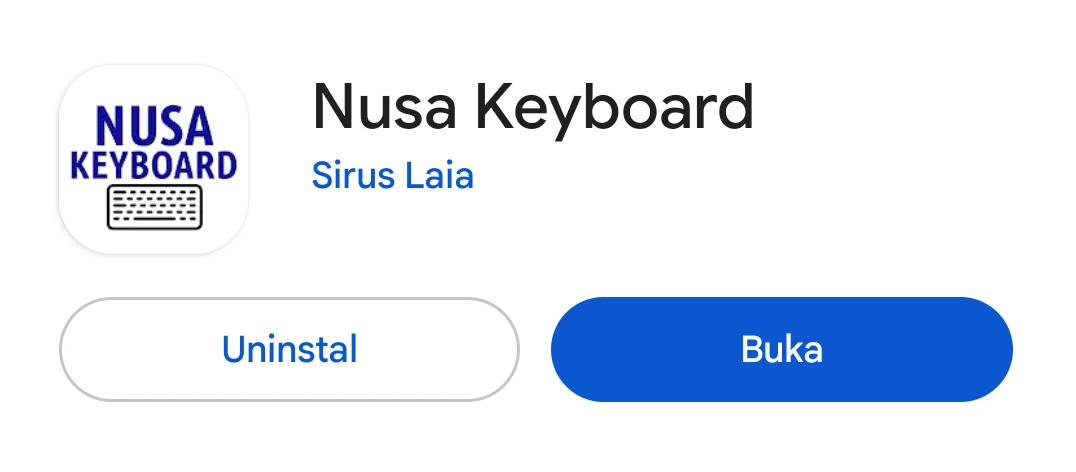 Nusa Keyboard installation completed
-
Launch the app directly by tapping OPEN or navigate to your device's app drawer and tap the Nusa Keyboard icon.
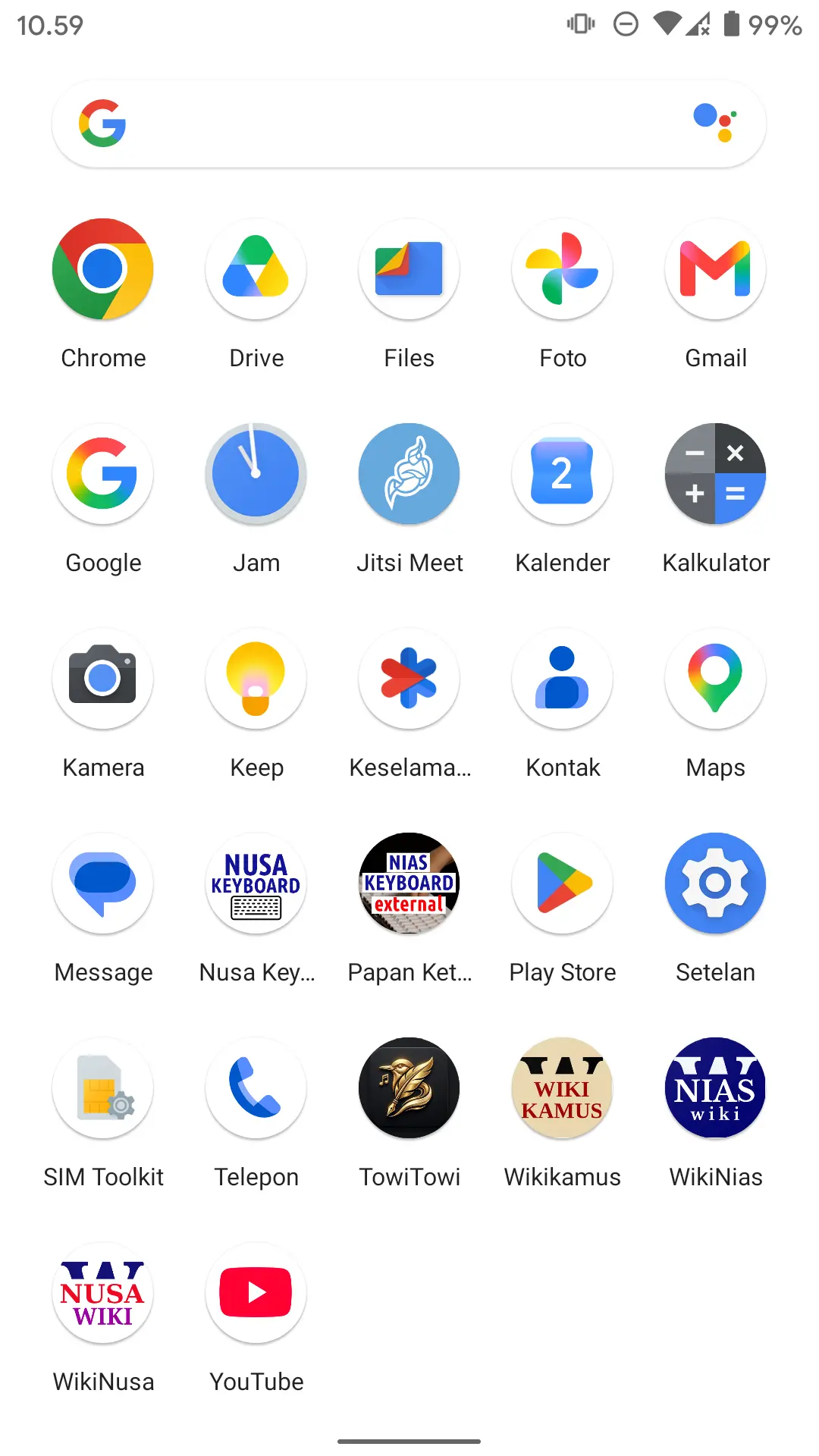 Nusa Keyboard icon in app drawer
-
You will be presented with the Keyboard Setup screen. Tap the ACTIVATE KEYBOARD button.
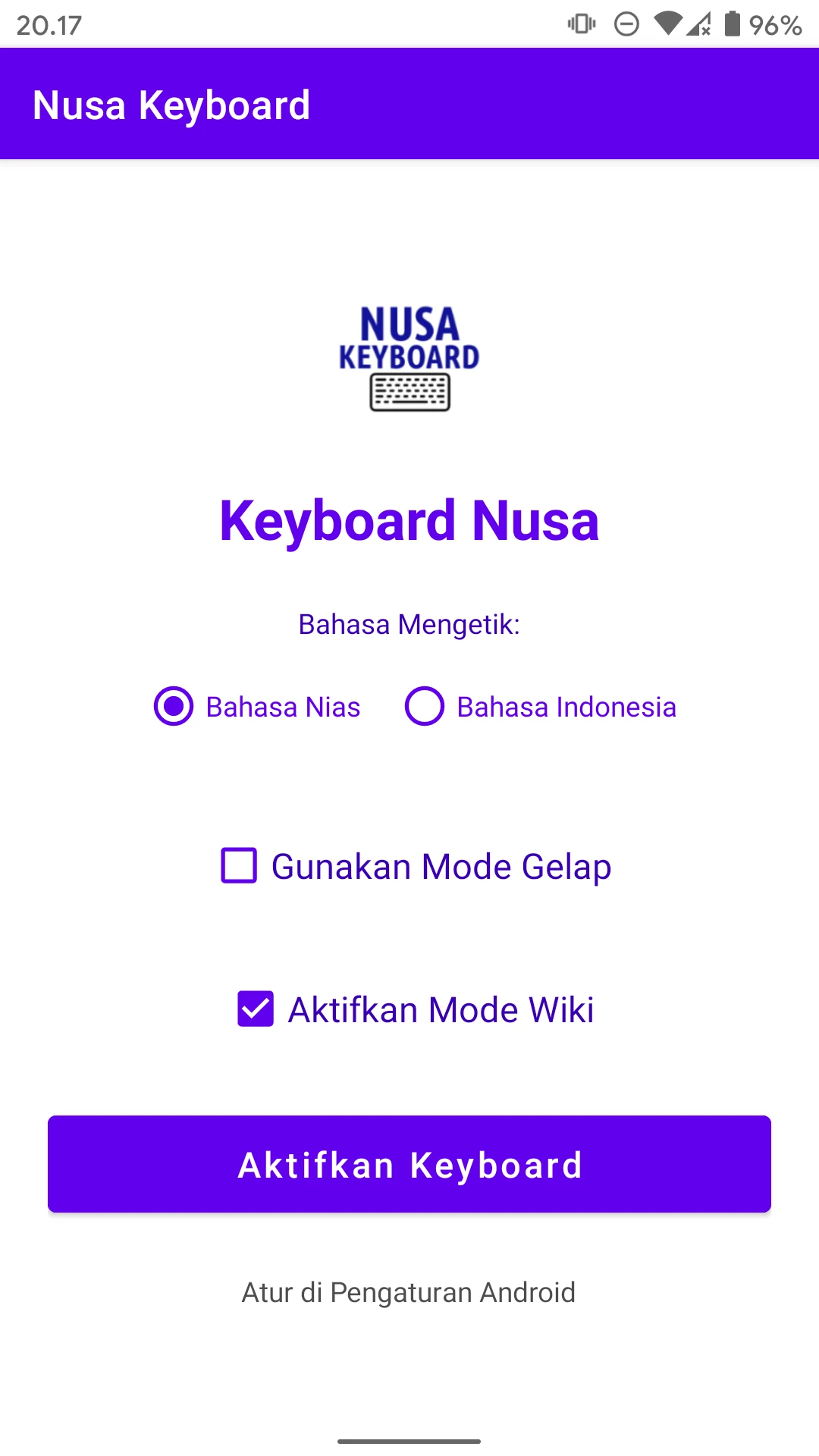 Nusa Keyboard Settings screen
-
Your device's system keyboard list will appear. Toggle the switch to enable Nusa Keyboard.
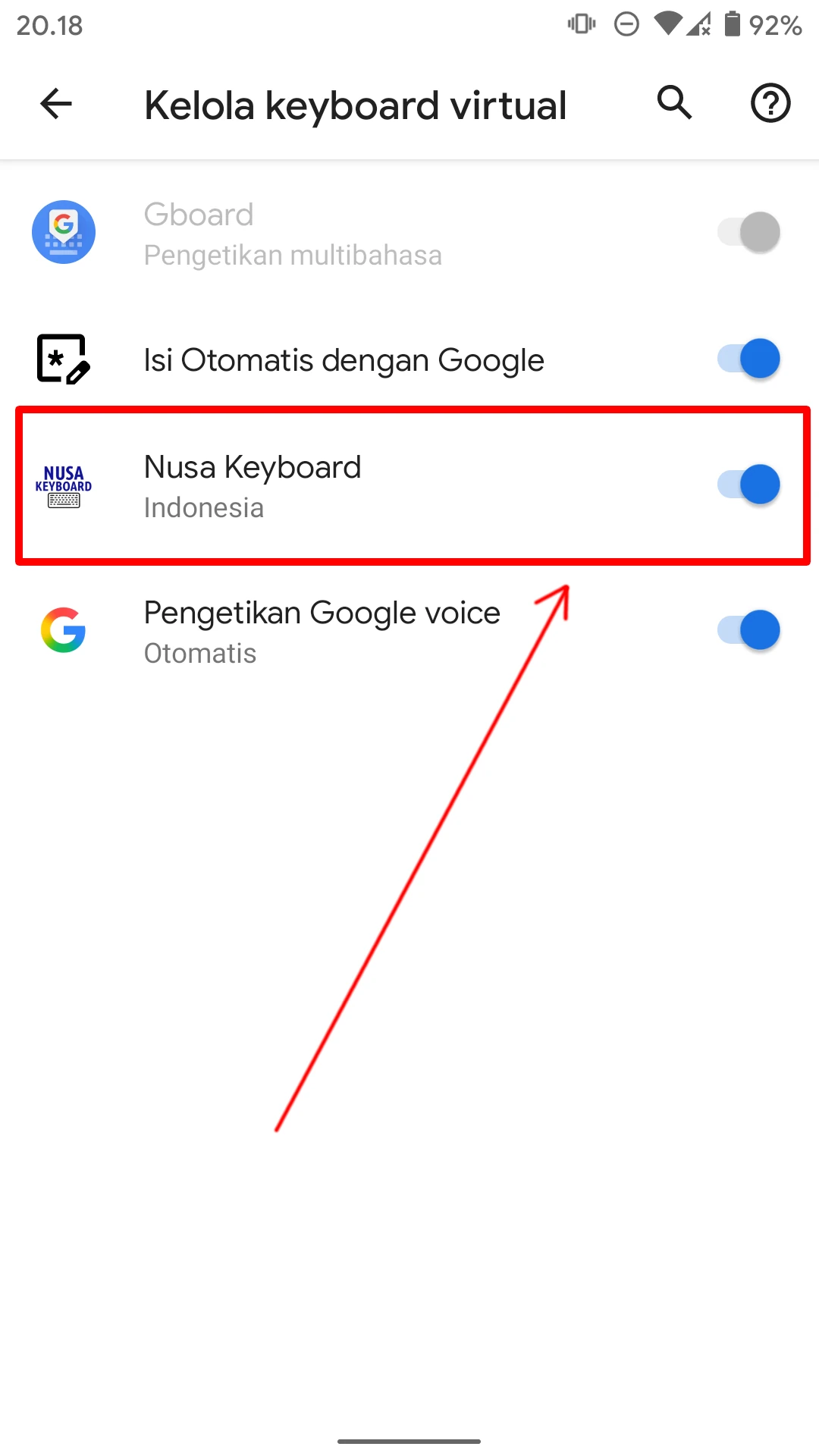 Nusa Keyboard enabled in system settings
- Finished! Nusa Keyboard is now active and ready for use.
Using Nusa Keyboard
- Launch any text editing or browsing app, such as WikiNusa.
-
Tap on the search bar or text input field. Your system will show the currently active keyboard. Tap the Keyboard Switcher icon (usually on the bottom right navigation bar or in the notification pull-down menu).
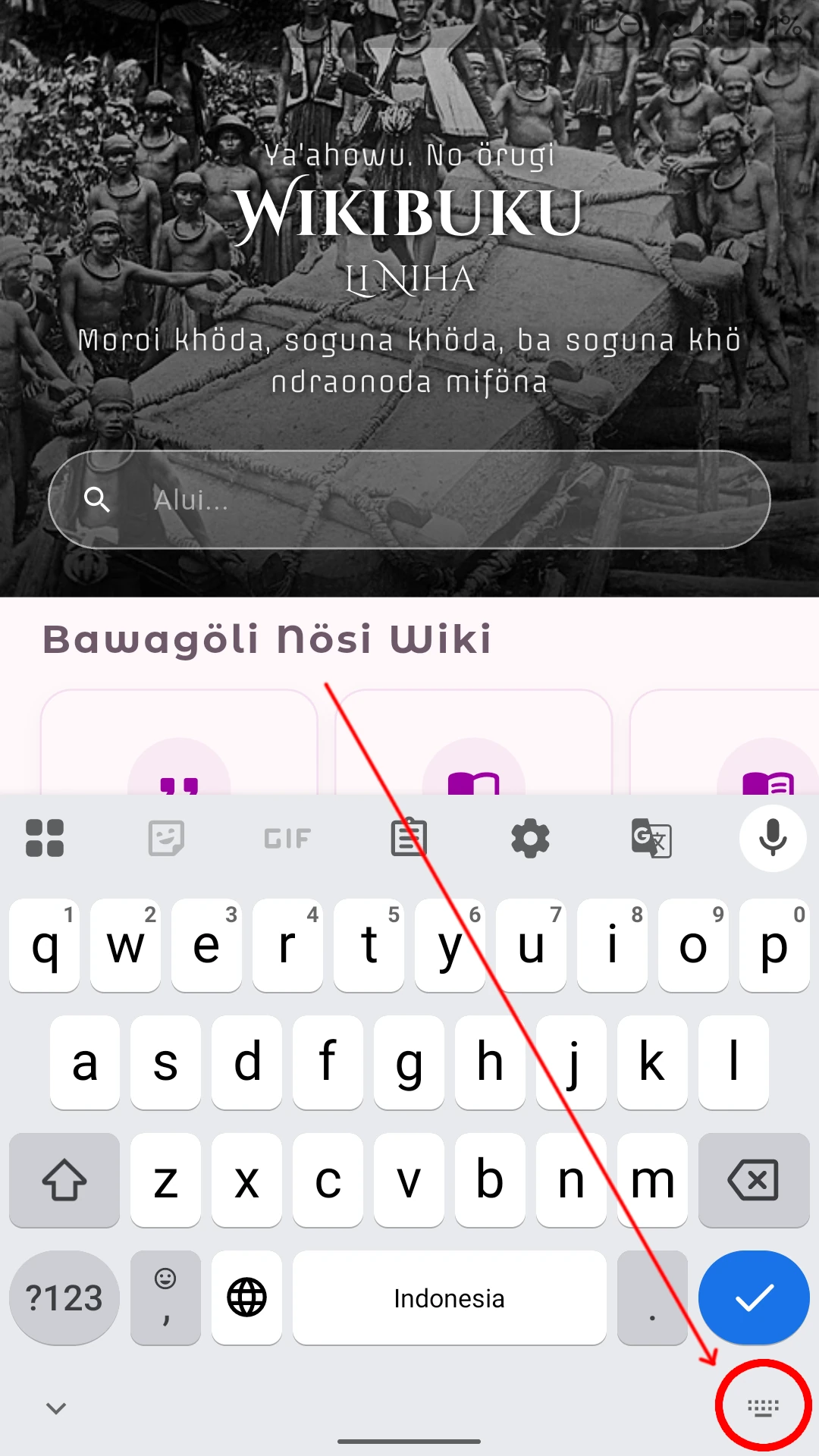 Tap the keyboard switcher icon
-
Select Nusa Keyboard from the input method list.
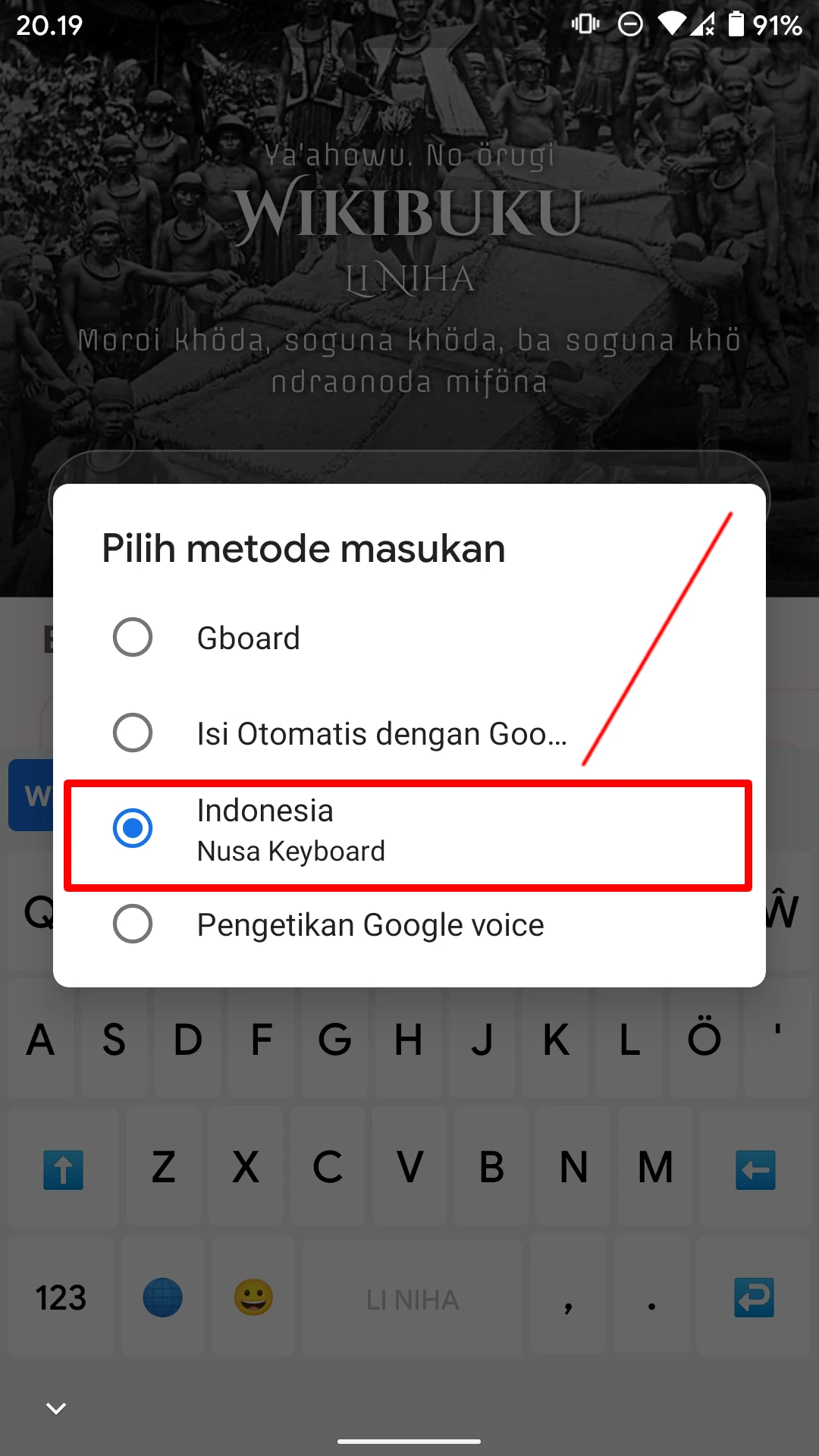 Selecting Nusa Keyboard
-
You are now ready to type special characters like
öandŵwith ease.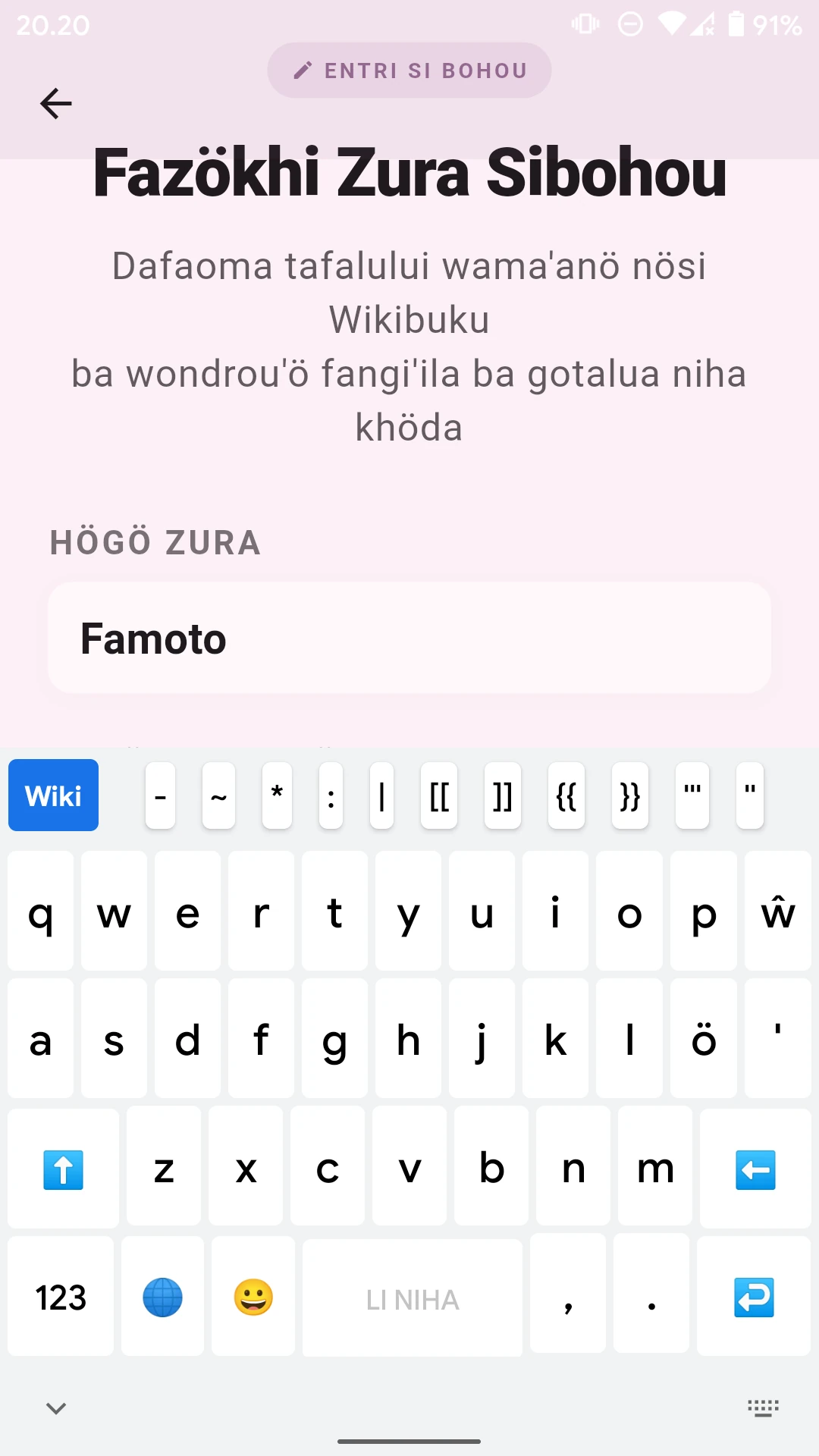 Nusa Keyboard layout
- Tap the Globe icon on the bottom row of Nusa Keyboard to quickly toggle between regional language layout and standard Indonesian layout.